
Small offices
Cover selected doors and rooms outside working hours with a clear arming routine.

Plan compatible wireless detectors, local alerts and optional remote notifications around a suitable alarm hub.
Plan Your Solution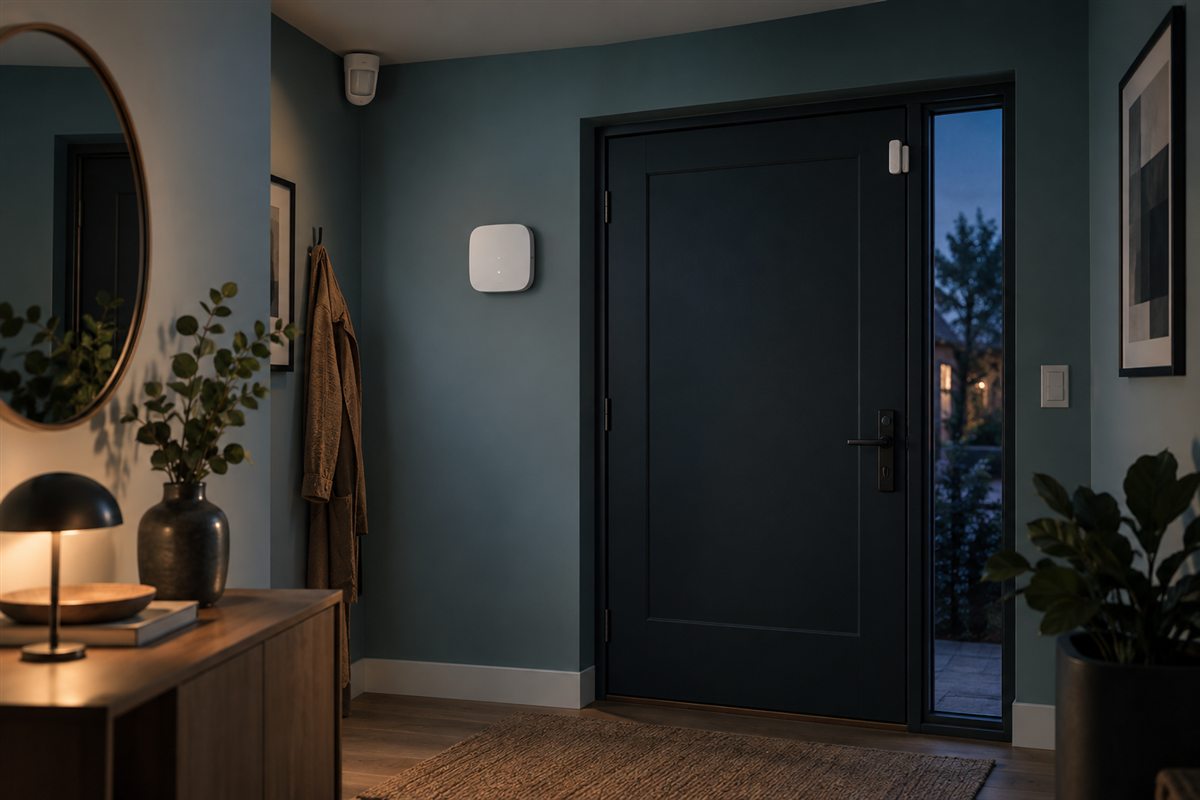 Illustrative scenario
A practical starting point for discussing your site, daily workflows and project priorities.
A wireless alarm plan starts with the protected zones and the people who will arm, receive and respond to alerts. Devices must belong to a compatible ecosystem; communications and monitoring services vary by model and region.
Cover selected doors and rooms outside working hours with a clear arming routine.
Consider entry and motion detection where wiring is difficult and local response is defined.
Plan after-hours detection around entrances and priority storage areas.
Typical system components shown for planning. Final equipment and interfaces depend on the project.
A planning example. Actual steps and functions depend on the selected equipment, software and site.
Compatible door, motion or other sensors report to a supported hub over its wireless protocol.
The hub can activate supported sirens or user notifications according to its settings and available connection.
Designated users verify and respond; app, cellular backup and monitoring-center options require specific service support.
See how the elements may fit together. Final models and interfaces are assessed for each project.
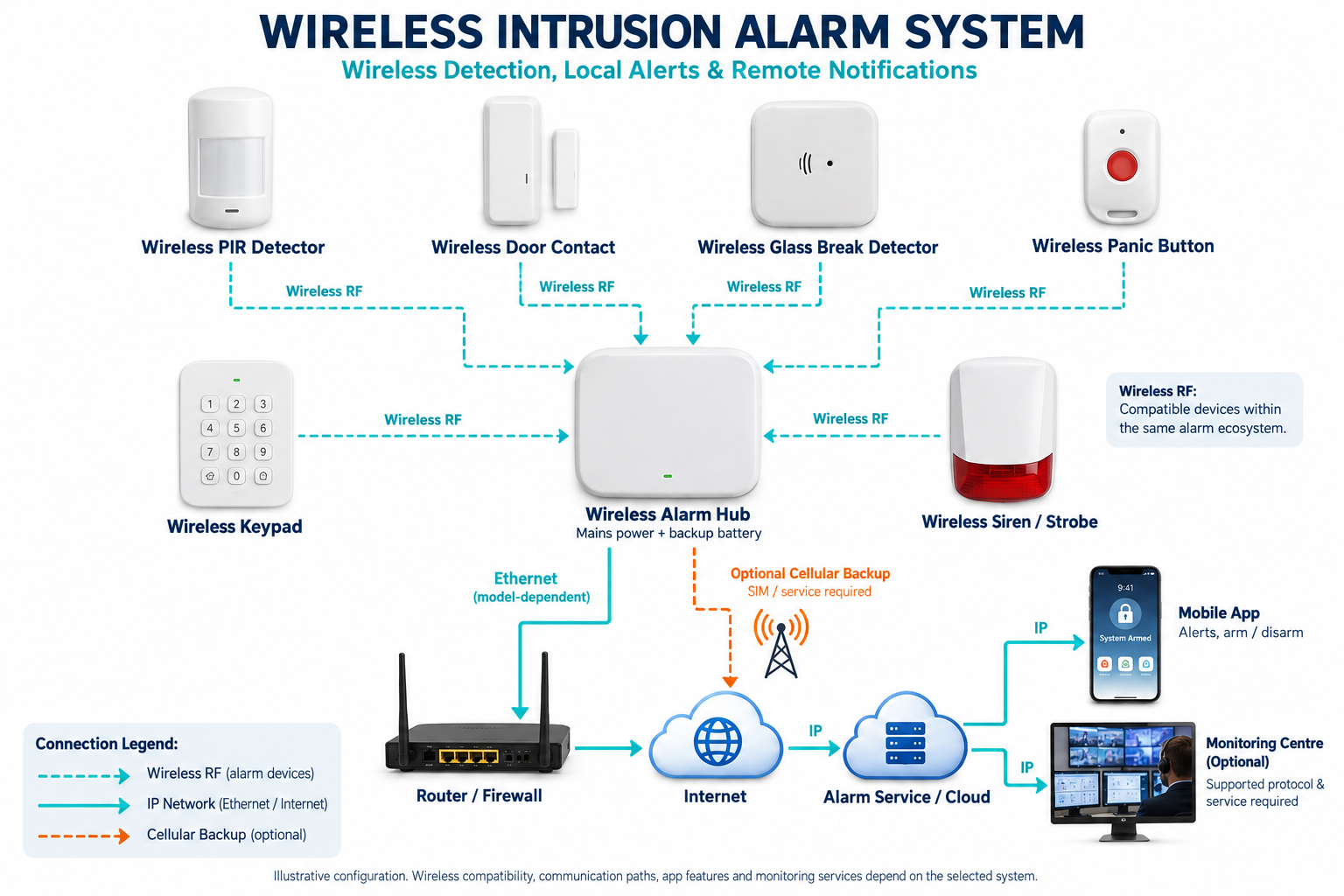 Open full-size diagram
Wireless protocols, app functions, cellular service and monitoring vary by system, model and region. We confirm availability before recommending equipment.
These points guide product selection. They do not imply a fixed model, stock level or guaranteed feature.
Identify doors, windows, interior spaces, pets, false-alarm sources and sensor mounting.
Assess distance, wall construction, interference and compatible repeater options.
Check hub mains power, sensor battery maintenance and any cellular service plan.
Decide who receives alerts and what they do; a monitoring service is not included by default.
You can contact us before every detail is final. Drawings, photos and existing model numbers help us start the assessment.
Share Your RequirementsModel availability, functions and compatibility are confirmed during project assessment.
Not by default. Wireless protocols and hub compatibility must be verified for exact models.
That depends on hub backup power, supported cellular path, active service and mobile delivery conditions. We verify the required resilience.
Tell us what you need to protect. We’ll help you plan the next step.